How it works

From signing up to your first dimming.

Zonnedimmer controls your inverter via the cloud, without any changes to your installation.

Via the cloud

Your inverter is already online. That’s all it takes.

Most inverters are connected to the internet and send their data to the manufacturer. That’s how you follow your generation in your inverter’s app. Zonnedimmer uses that same connection.

We have agreements with all major inverter manufacturers to read and control installations. You don’t need to change anything, and dimming follows the manufacturer’s guidelines, so you keep your warranty and support.

  1. Your inverter Already online, sending your generation to the manufacturer.
  2. The manufacturer’s cloud An official, well-secured connection. No technician needed.
  3. Zonnedimmer Reads your generation and controls the dimming.
  4. The Zonnedimmer app You see what’s happening, live.

In five steps

You set it up once. After that it runs by itself.

Signing up takes a few minutes. Then we dim and you follow along.

  1. 01 · You

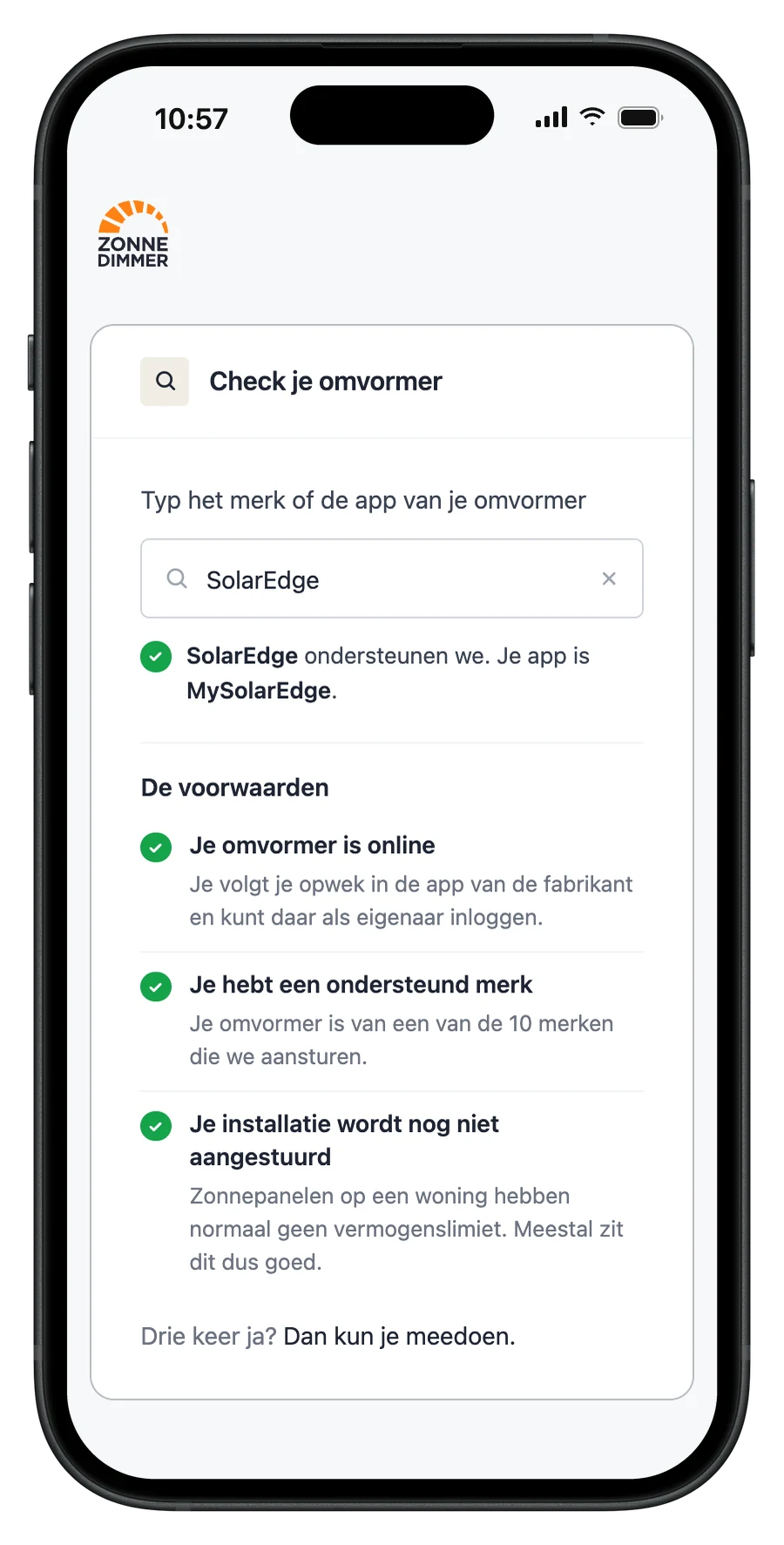
    Check your inverter

    Your inverter needs to be online, from a supported brand, and you need to be able to log in to the manufacturer’s app as the owner. No access? Ask your installer, or the previous owner if you recently moved, for the details.

    Is my installation suitable?
  2. 02 · You

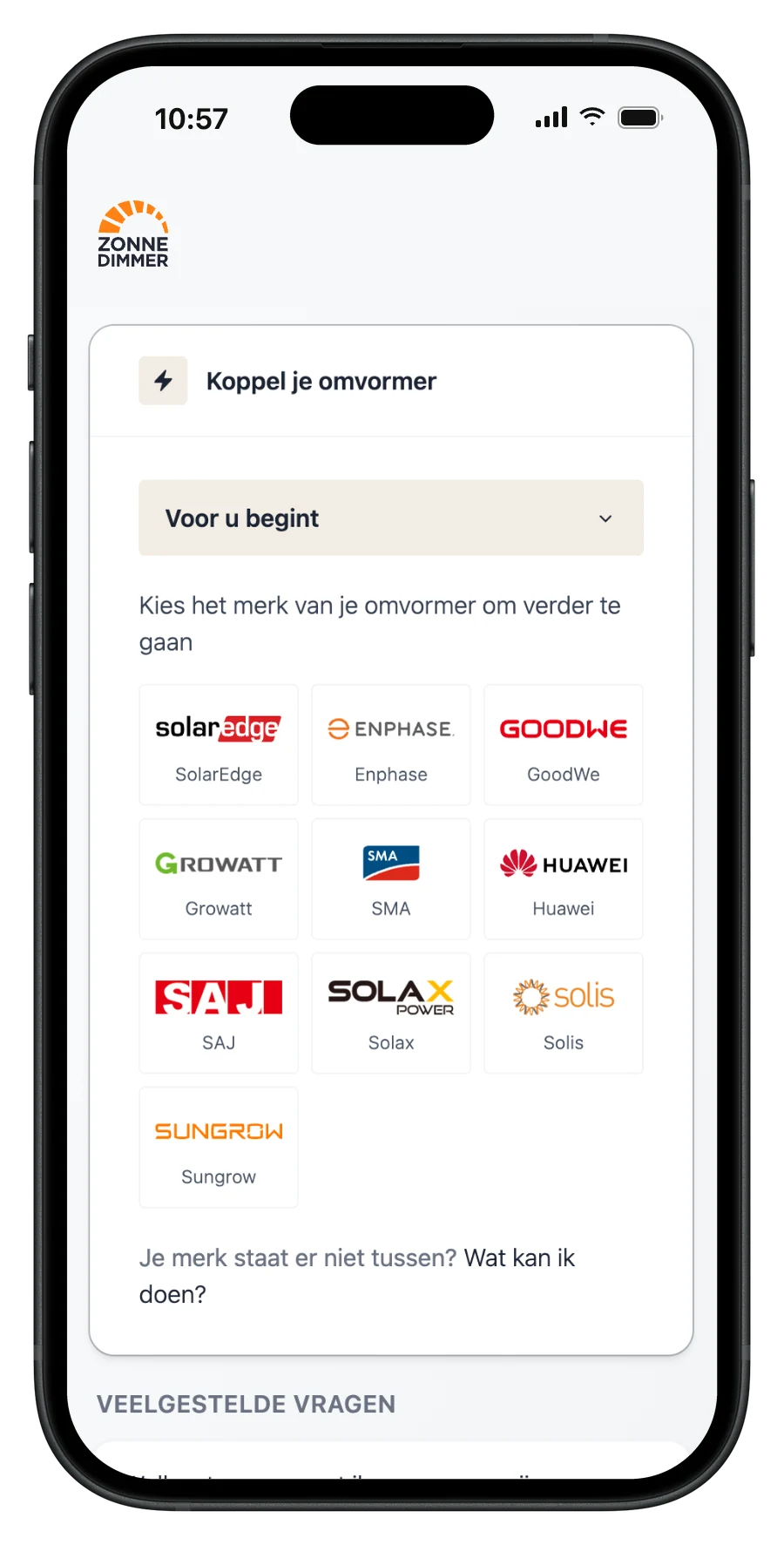
    Create an account and connect your inverter

    We verify your address and register you with the manufacturer as the owner of the installation. You give permission to read your generation and to control your inverter. Your account is then activated and you can start using the app right away.

  3. 03 · You

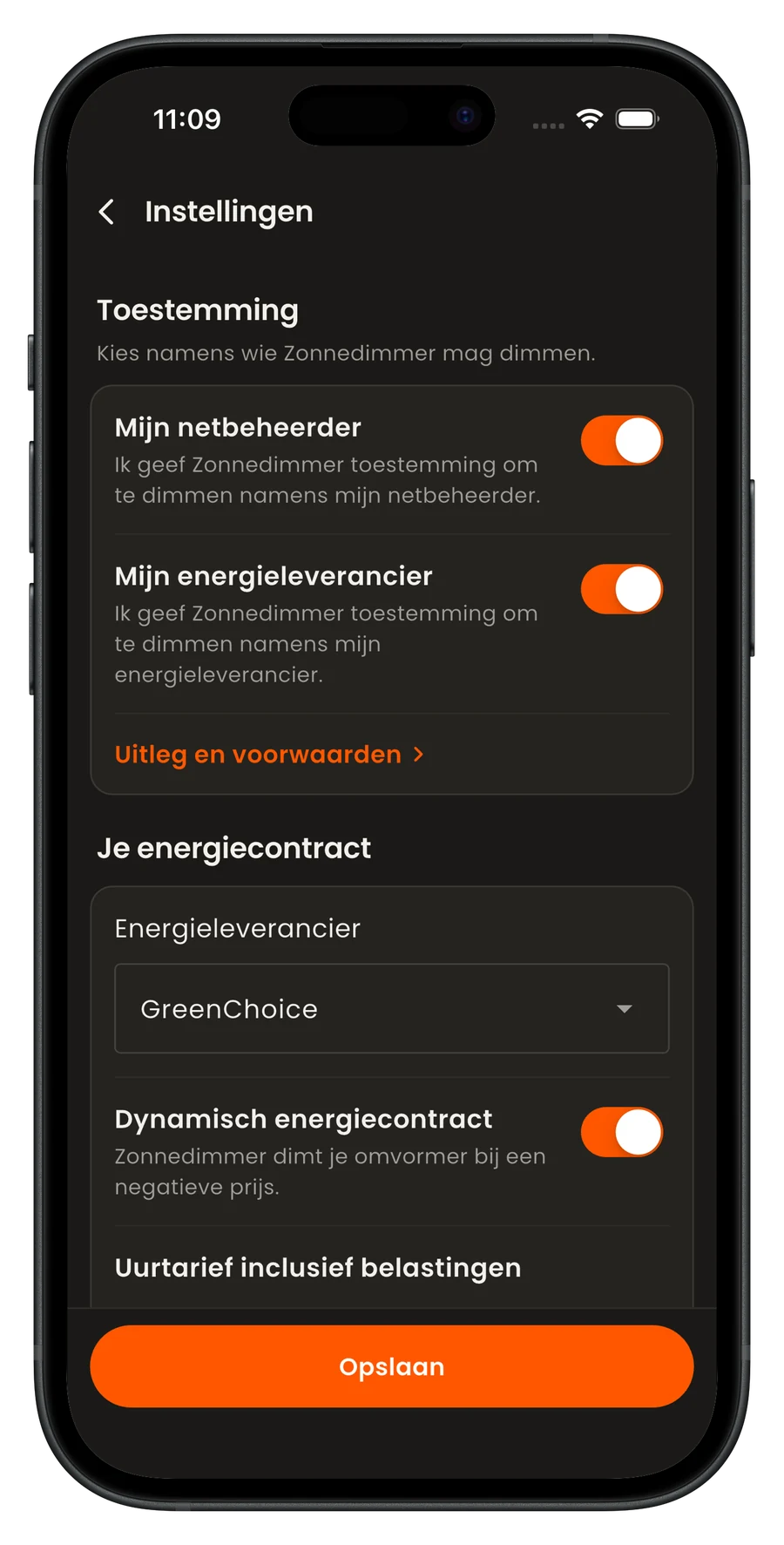
    Choose who may dim

    In the app settings you decide: your grid operator (to relieve a full grid), your energy supplier, and dimming at negative prices if you have a dynamic contract.

  4. 04 · Us

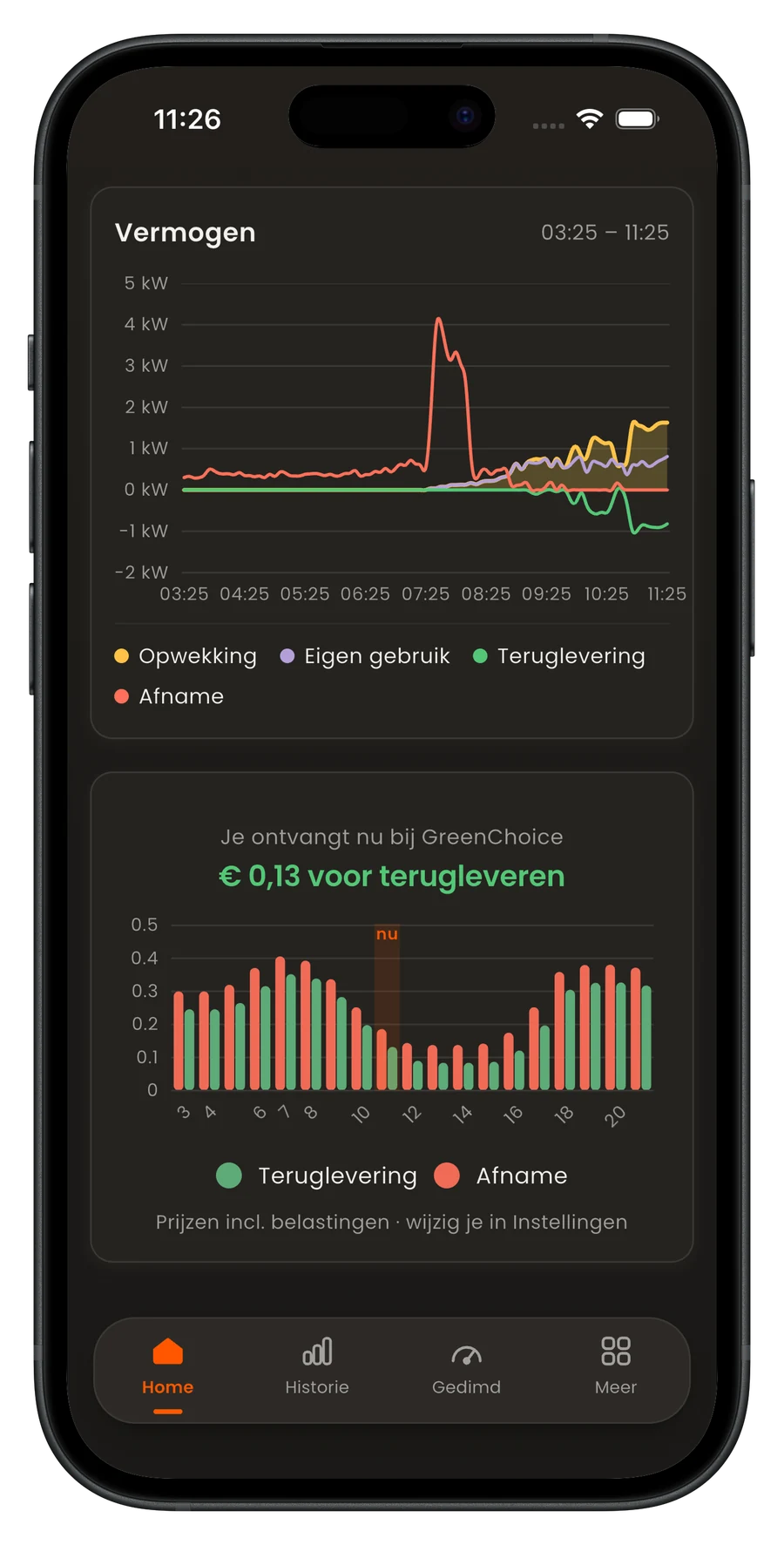
    We dim, you follow along

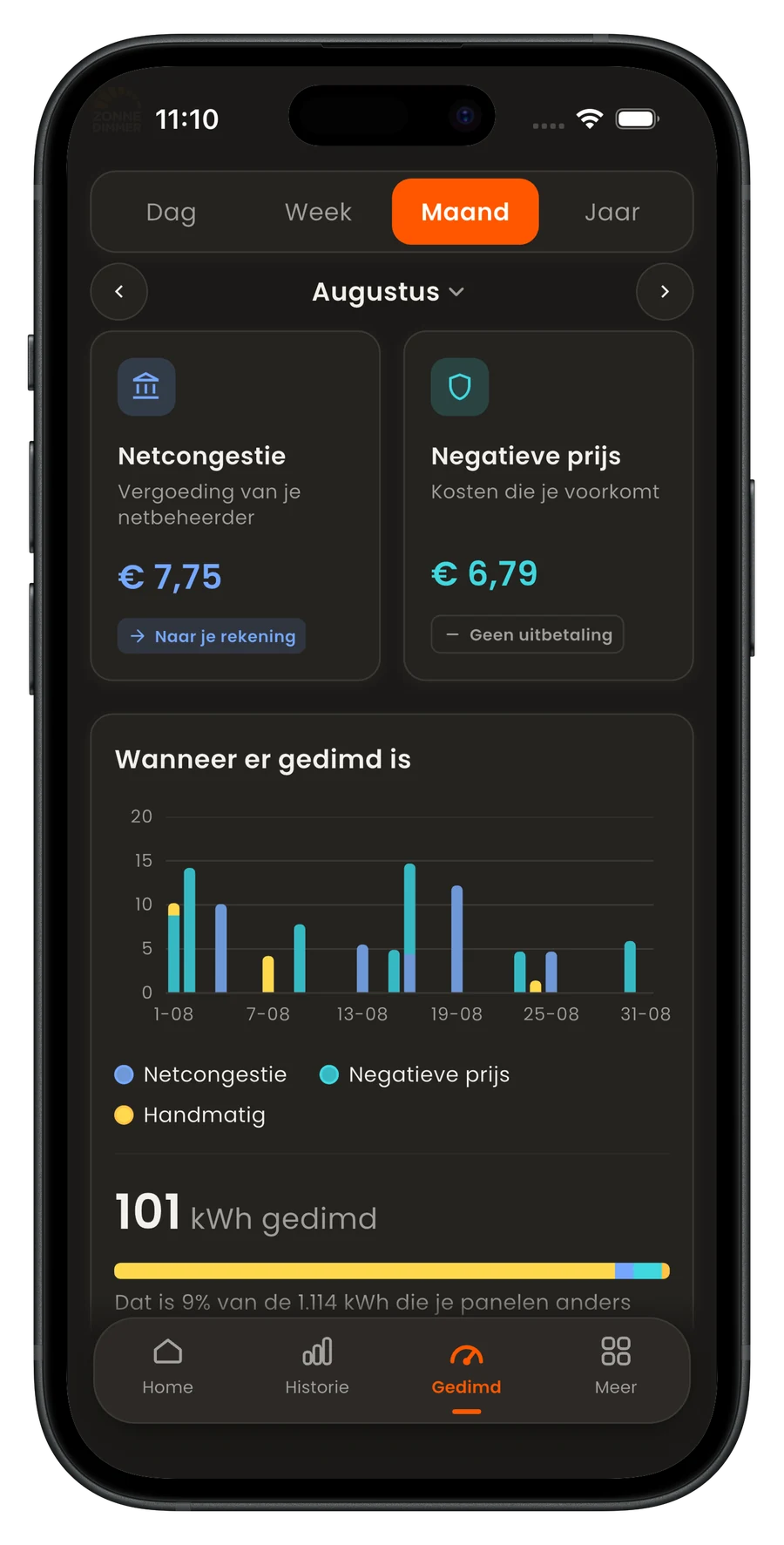
    When it’s time, we send the task to temporarily lower the output via the manufacturer’s cloud. We check that your inverter carries it out correctly and switch it back to full power once it’s done. The app shows you exactly what’s happening, live.

  5. 05 · Us

    You receive your compensation or savings

    We calculate how many kWh were dimmed, so you receive the right compensation. If you dim at negative prices, you see the savings directly on your energy bill.

    What it earns
Sign up

Free, and set up in three minutes.

Good to know

You stay in control.

Do we take your own consumption into account?

Without live data from your meter, we dim all installations in a congested area by the same percentage. If you use a lot of electricity at that moment, for example for air conditioning or charging your car, you may draw a few extra kWh from the grid. You receive fair compensation for that, because you help keep the grid stable.

With the Zonnedimmer dongle we read your smart meter live and only dim what you don’t use yourself. This works with most brands, not yet with Enphase and Huawei. About the dongle

You can stop at any time

You can change your permissions and settings in the app at any time. That way you always decide on whose behalf we dim your solar panels and for what compensation. No longer want to take part? Simply switch dimming off.

Need help?

Got a question?

Most questions are a couple of clicks away. If you get stuck, support takes it from there.

Go to support

Not signed up yet? Create an account